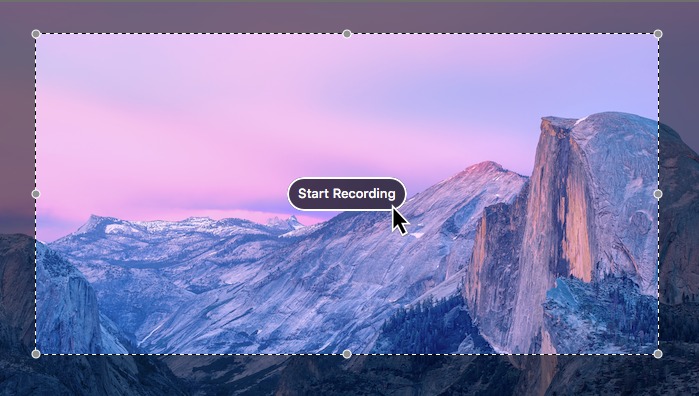
 Every now and then, you might face a situation in which you want to record a video of your computer screen. Whether you're making a tutorial to teach your friends (or parents) how to do fix a bug, or you just want to show off some new trick on your computer, a screen recording tool is something that's always worth having in your applications folder. Luckily for you, Apple actually offers a screen-recording app built into all versions of Quicktime Player since OS X 10.6 (Snow Leopard).
Featured Images
-
 Is your PC compatible with Mac OS X? Read this first.
-
 How to install OS X El Capitan on your PC with Unibeast
-
 How to use Multibeast 8: a comprehensive guide
-
 The Basic Guide to Setting Up Clover Bootloader
-
 How Much Money Will A Hackintosh Save You? [UPDATED]
-
 How to dual-boot Windows and OS X on separate disks
March 4, 2016
How to record your screen for free in Mac OS X, using Quicktime
Every now and then, you might face a situation in which you want to record a video of your computer screen. Whether you're making a tutorial to teach your friends (or parents) how to do fix a bug, or you just want to show off some new trick on your computer, a screen recording tool is something that's always worth having in your applications folder. Luckily for you, Apple actually offers a screen-recording app built into all versions of Quicktime Player since OS X 10.6 (Snow Leopard).