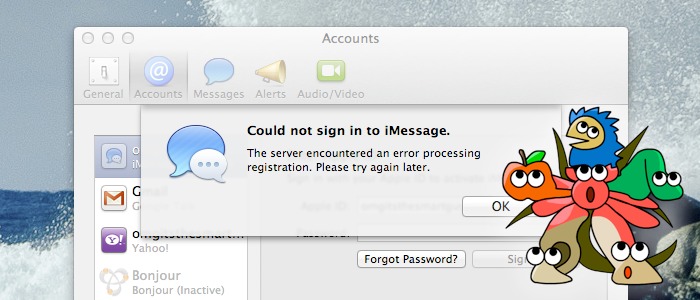
 For the past few weeks, Hackintoshes have been unable to log into the Messages app (better known as "iMessage") on OS X Mountain Lion. Last week, we showed you how to fix these problems with Clover bootloader, an alternative to the more popular Chameleon and Chimera bootloaders for Hackintoshes. However, if you want a slightly simpler fix, you're in luck: we can now fix the problem using Chimera bootloader instead. Read past the break for details.
Featured Images
-
 Is your PC compatible with Mac OS X? Read this first.
-
 How to install OS X El Capitan on your PC with Unibeast
-
 How to use Multibeast 8: a comprehensive guide
-
 The Basic Guide to Setting Up Clover Bootloader
-
 How Much Money Will A Hackintosh Save You? [UPDATED]
-
 How to dual-boot Windows and OS X on separate disks
January 24, 2013
How to fix the iMessage login problem on your Hackintosh (with Chimera)
For the past few weeks, Hackintoshes have been unable to log into the Messages app (better known as "iMessage") on OS X Mountain Lion. Last week, we showed you how to fix these problems with Clover bootloader, an alternative to the more popular Chameleon and Chimera bootloaders for Hackintoshes. However, if you want a slightly simpler fix, you're in luck: we can now fix the problem using Chimera bootloader instead. Read past the break for details.
January 9, 2013
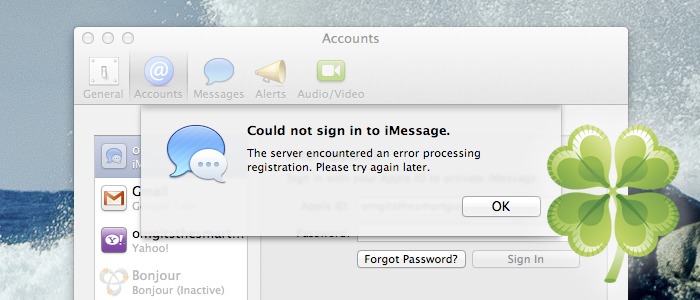
How to fix the iMessage login problem on your Hackintosh (with Clover)
January 2, 2013
How to install OS X Mountain Lion on your PC with iAtkos

We've previously covered how to install Mountain Lion on a PC using tonymacx86's Unibeast tool, which requires you to have an existing Mac OS X installation. This usually means that you have to install Snow Leopard on your PC first, or find a real Mac. However, with a "distro" like iAtkos, you can jump straight to Mountain Lion. Distros are pirated copies of Mac OS X that have been modified to work with a PC. If you don't have any qualms with the legal issues regarding distros, they're actually the most convenient way to set up a Hackintosh.
December 28, 2012
How to set up a Fusion drive on a Hackintosh

Since the Fusion Drive is a proprietary technology, it's usually unavailable to PCs. However, you can still set up your own Fusion Drive on a Hackintosh. Fusion Drives are set up in an extremely similar way to RAID 0 arrays, an alternative different method for increasing hard disk performance. We've previously covered how to set up a RAID 0 array on your Hackintosh; setting up a Fusion Drive isn't really isn't much harder. Interested? Read on.
December 24, 2012
How to set up a Hackintosh on RAID 0 in Lion, Mountain Lion, or Mavericks
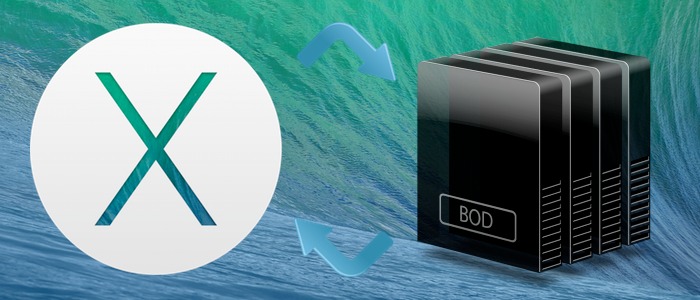 RAID 0 is a method used to increase hard disk performance, by setting up multiple hard disks to work as a single virtual disk. For instance, if you set up a RAID 0 array to combine two 50 GB hard disks into a single 100GB virtual disk, that single virtual disk will have (roughly) two times faster performance than a normal disk.
Setting up a RAID system on a Hackintosh is very tricky, but it's definitely possible. For starters, there are two basic ways to set up a RAID system: with a hardware controller, or with a software controller. The hardware method offers better performance, but the software method is far more convenient. For this guide, we will show you how to set up a software RAID 0 system on Mac OS X in a Hackintosh.
December 23, 2012
Multibeast 4.7.0 Update

Users of Mac OS X Lion rejoice-- though development of Multibeast 4 has languished since the release of Multibeast 5 for Mountain Lion, the 4.7.0 update improves Multibeast 4 dramatically. First and foremast, all of the improvements introduced by Multibeast 5 have finally been pushed to Multibeast 4. Multibeast 4.7.0 now has a greatly simplified section for audio drivers, the old "System Utilities" section has been removed (Multibeast now repairs file permissions by default), several options have been given simpler names, and many options have been updated. In addition, the "Miscellaneous" section has been split into two separate sections, though the actual distinction between these two sections is arguably murky. For full details on the update, jump past the break.
December 8, 2012
Multibeast 5.2 Update
 Earlier this week, MacMan and tonymacx86 released version 5.2 of their Multibeast post-installation tool for Hackintoshes. We have updated our comprehensive guide to Multibeast to reflect this update.
The 5.2 update mostly consisted of incremental or cosmetic changes to the Multibeast menu. The only significant additions to Multibeast were a patch that enabled integrated graphics on mixed Sandy Bridge/Ivy Bridge computers, and the new Mac Mini (6, 1) system definition. Full details past the break.
November 18, 2012
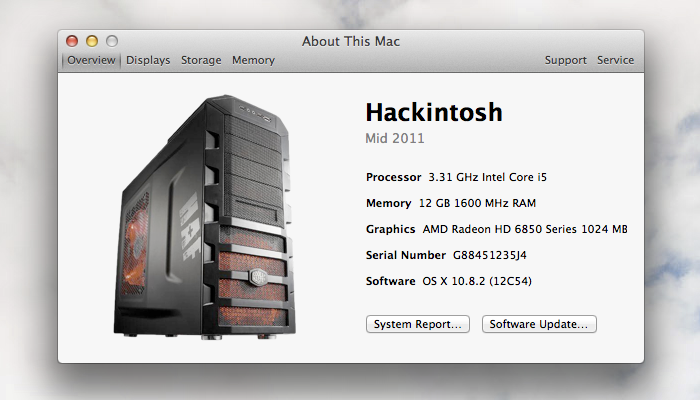
How to edit "About This Mac" on a Hackintosh
November 11, 2012
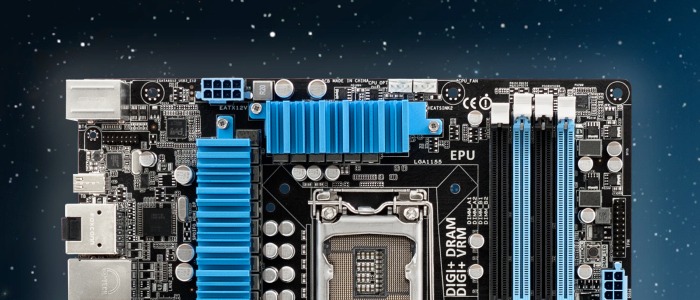
How to set up an ASUS Hackintosh
October 20, 2012
How to install Mac OS X Snow Leopard on an Ivy Bridge Hackintosh (experimental)